-
Bambu Studio URL schemes - what doesn't work and why

I spent an embarrassing afternoon trying to wire up an “Open in Bambu” button on my hobby 3D-print catalogue. The MakerWorld site has one and the workflow it offers is obviously the right shape — click a button, the slicer opens, the model loads. I wanted that for my own pages.
It does not work. Here’s the short version so the next person doesn’t waste their afternoon.
The three schemes, briefly
Bambu Studio registers a handful of URL schemes. None of them help a third-party site.
bambustudioopen://HOST/path— has a domain allowlist baked into the slicer. MakerWorld and Bambu-owned hosts pass. My domain, and presumably every other third-party domain, silently fails.bambustudio://open?file=<url>— does not work on macOS at all. On Windows it opens the slicer but cancels the load for non-trusted domains.bambu-connect://— this one’s for sending jobs to a connected printer, not for opening files in the slicer. Wrong scheme entirely, but I tried it because the name was hopeful.
The Chrome detail that wastes an extra hour
If you try to nest a URL inside the scheme —
bambustudioopen://https://example.com/foo.3mf— Chrome normalises the innerhttps://tohttps//before handing it to the OS. The slicer then receives a malformed URL and opens to a blank workspace.window.location.hrefand a plain<a href>behave identically here; it’s not the link element’s fault.What I tried to bypass it
Everything reasonable, and one unreasonable thing.
- Short-lived file tokens (
/files-token/<token>/file.3mf) so the slicer didn’t need a logged-in session. Tokens worked server-side. The slicer still couldn’t fetch the file, because the block is on the domain, not the auth. - A Cloudflare Zero Trust bypass for the token path. Same result. The slicer never got far enough to be auth-blocked.
- Turning server auth off entirely as a sanity check. Still blocked.
The block lives in the slicer, not the network path. There is no public allowlist mechanism a third-party site can opt into.
What does work
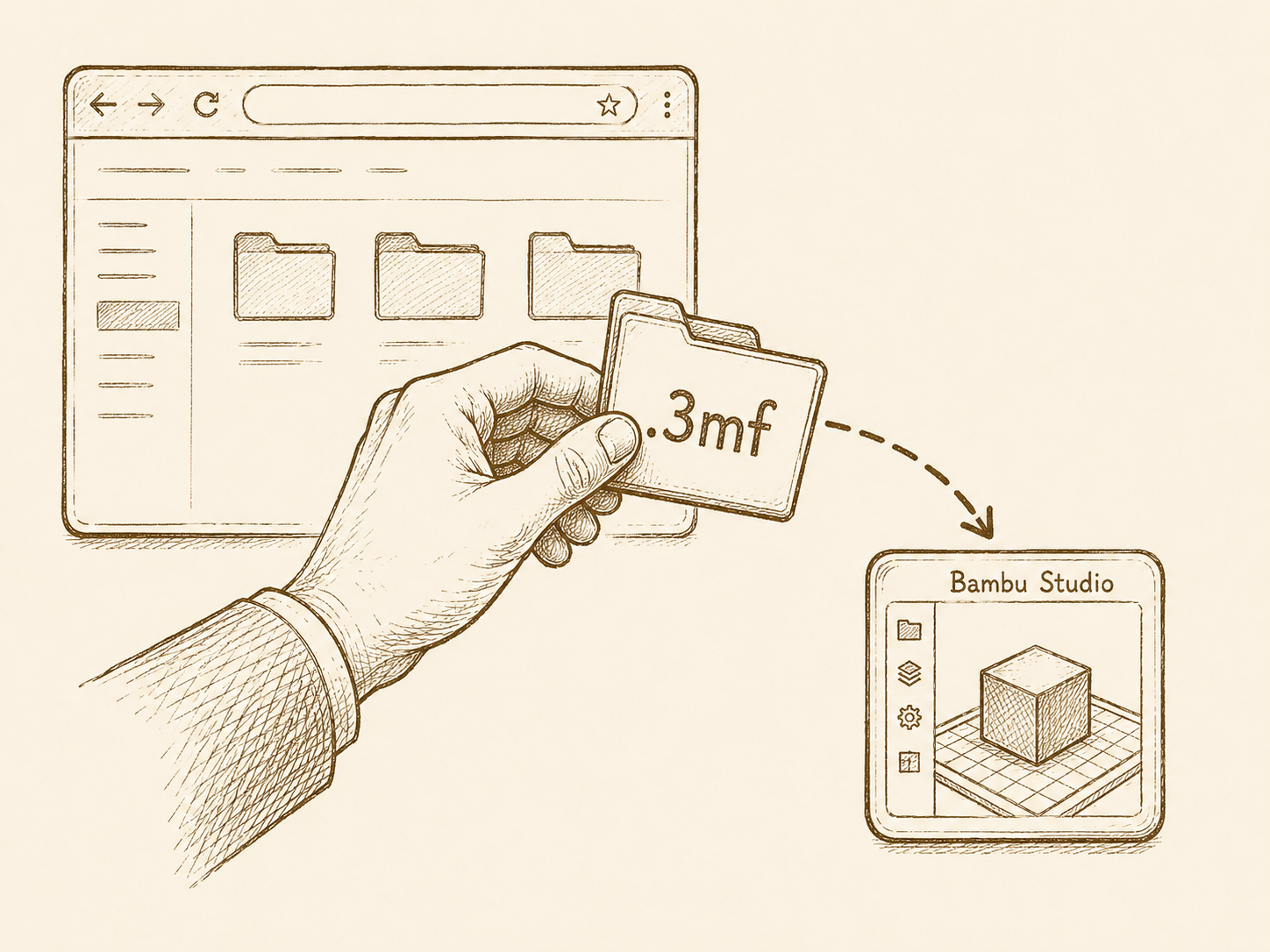
A plain Download button. Save the
.3mflocally, double-click. macOS opens it in Bambu Studio if Bambu is the registered handler for.3mf— which it is by default if you have the slicer installed.That’s the entire integration. The “Open in Bambu” button on my own pages came out at v1.0.35.
The lesson
Custom URL schemes are an integration contract between two parties. When one party is a vendor application, “both parties” means “the vendor.” If your domain isn’t on their list, you aren’t going to talk yourself onto it from the outside.
If you want a one-click open-in-slicer flow on a hobby site, the realistic options are: ship a native helper app that registers its own scheme (overkill), or host your models on MakerWorld and link out (defeats the point of having a hobby site of your own). For most of us, Download is the answer.