I tried to break into my own house
Late one evening, I found myself standing on my own doorstep with a torch and a clipboard, inspecting the house as though I were an external auditor. The exercise started as a routine security review of my homelab and internet-facing services, but it quickly turned into a reminder that the most obvious risks are not always the ones you notice first.
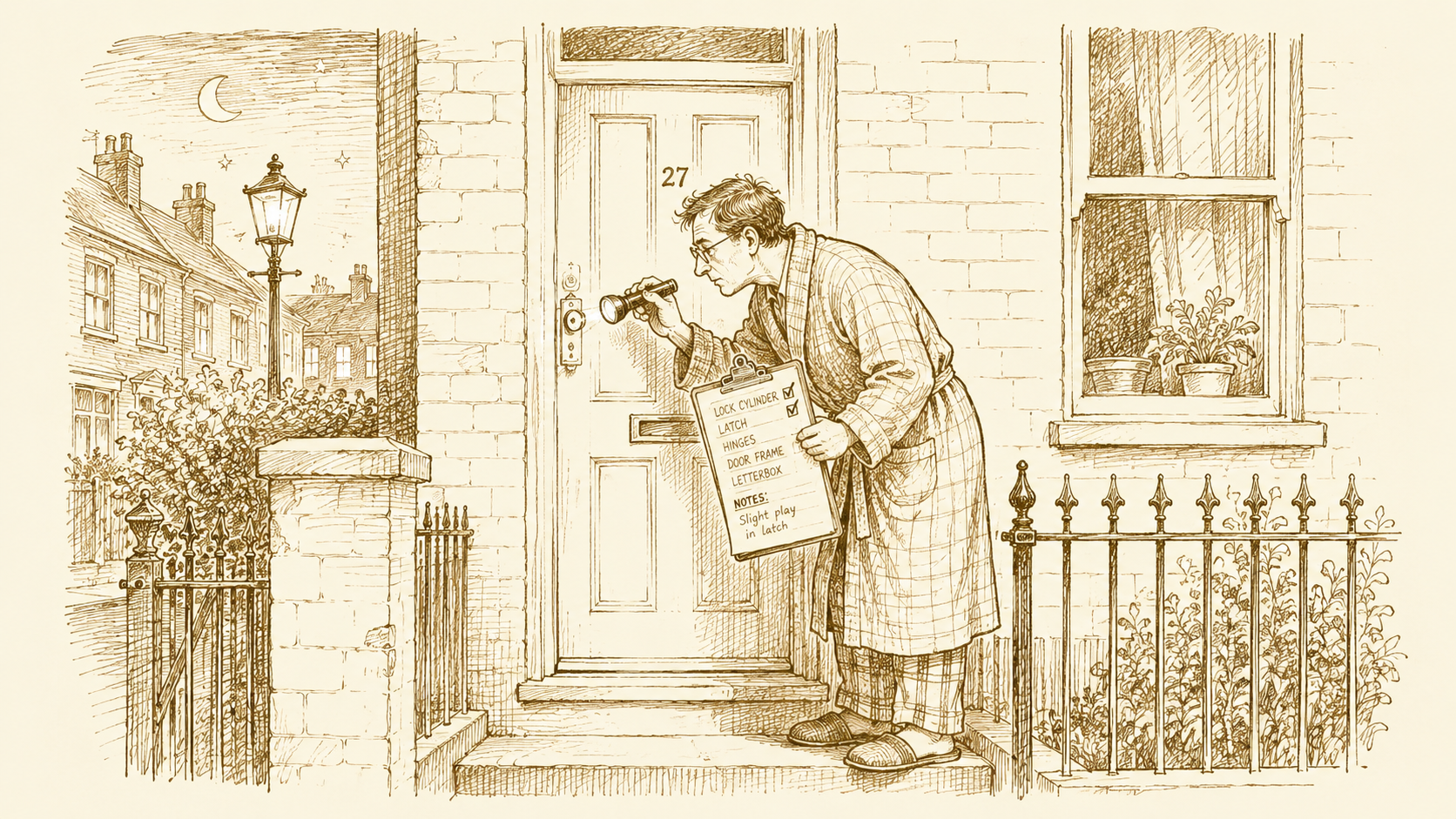
A while back I wrote that I treat my house like production. This is the post where I treat it like production in the least fun way: I sat down and tried to break into it.
Not literally. I mean the thing we do at work when a system has been quietly accreting for a year and nobody has stepped back to ask “what, exactly, is reachable from the outside, and why?”. A security review. An afternoon of being your own unwelcome guest.
I went in expecting to find a mess. What I found was more interesting: mostly good bones, a few doors I had left on the latch, and the bit I did not see coming, a room that was on fire while I was busy checking the windows.
The good bones§
Here is the single most reassuring thing, and the reason I will defend the setup I have: nothing in my house is directly reachable from the internet.
Everything I run at home, the home-automation box, a documents archive, a handful of small apps, the dashboards, this blog, sits behind an outbound tunnel. The house makes a connection out to the edge; the edge never makes a connection in. There is no port forwarded on the router. There is no home IP address sitting in a DNS record waiting to be port-scanned. If you look me up, every name resolves to the edge, and the edge holds the only door.
That matters more than any individual lock, because it changes the question an attacker gets to ask. With a forwarded port, the question is “can I get through this app’s front door”. With an outbound tunnel, the question is “can I get the edge to let me through at all”, and the edge is run by people whose entire job is saying no.
I cannot take much credit for this. I picked an architecture someone smarter designed, and the security falls out of the shape. That is usually how it goes. The cleverness is in the choice, not the configuration.
The doors I had left on the latch§
So far, so smug. Then I actually went through the list of what the edge does let through, one name at a time, and asked the boring question of each: does this need to be open, and if so, to whom?
That is where it stopped being smug.
A documents app, the one place I keep the boring-but-sensitive paper of a household, was reachable by anyone, gated only by its own login page. Not breached. Not weak, particularly. But sitting on the open internet with a single password in front of personal records, when it had no business being reachable by anyone who is not me. I put it behind a proper identity gate, so now you have to prove you are me before the app’s login even loads.
The home-automation system was the interesting one, because the obvious fix would have broken it. Put the usual identity gate in front of it and the phone app stops working, because a phone app cannot click through a web login. I sat with that for a while, convinced I was stuck choosing between “secure but broken” and “working but exposed”. Then I realised I already pay for a second, supported way in, the official encrypted remote path, and the app was perfectly happy to use it. The exposed door was not a necessary evil. It was just redundant. I closed it, and nothing noticed.
That is a pattern worth naming. A lot of “exposure” is not a thing you need that happens to be risky. It is a thing you stopped needing and never turned off.
The rest were smaller. My domains could be spoofed, anyone could send email pretending to be me, because the records that say “here is who is allowed to send as me” were set up loosely on one domain and missing entirely on another. Fixed. A couple of apps were cheerfully announcing what software they ran in every response, which is the digital equivalent of leaving the alarm-system brand sticker on the front door. Stripped.
None of these were holes. They were the security version of clutter: things that were fine in isolation and added up to a wider surface than I would have chosen on purpose.
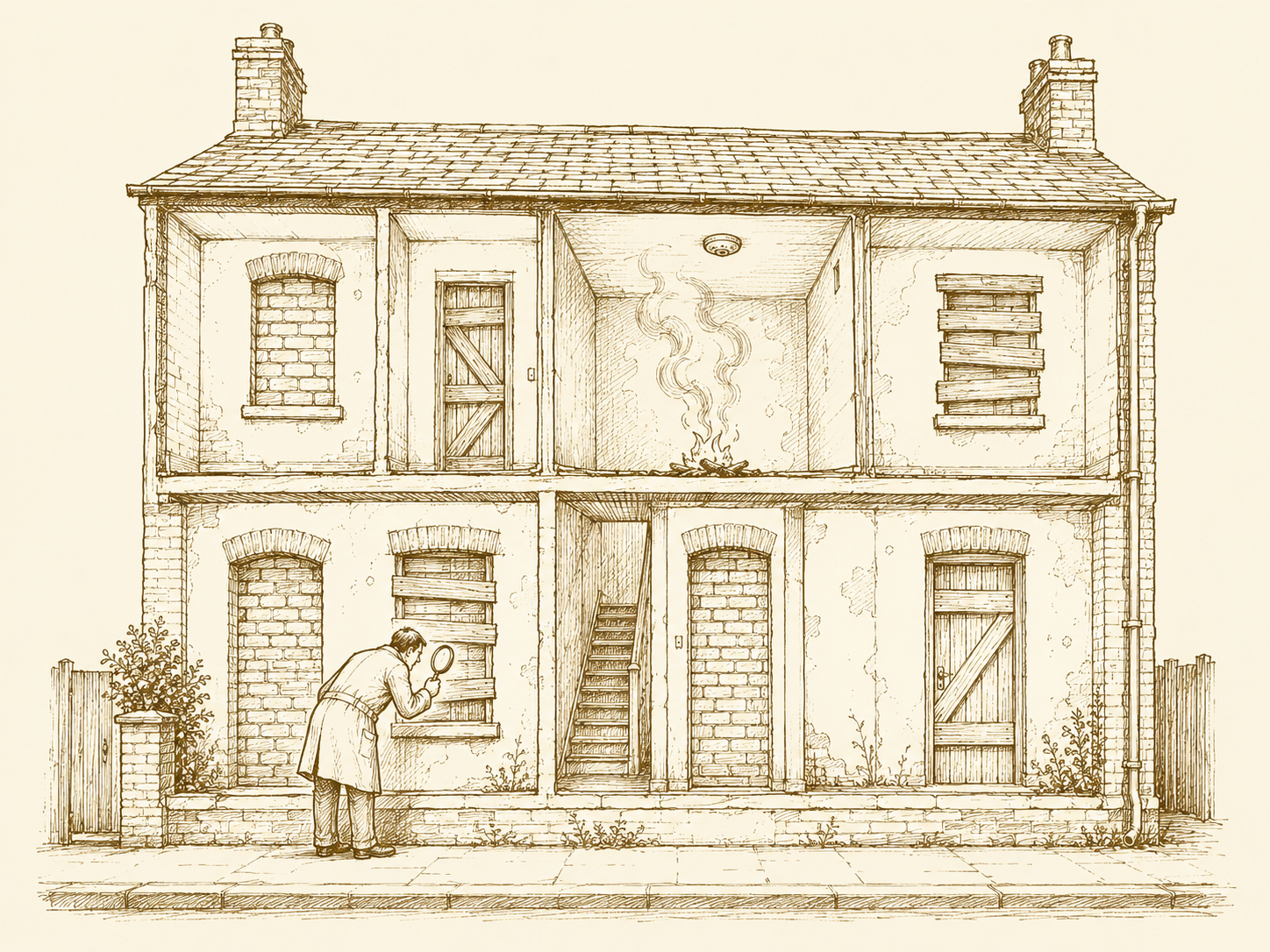
The room that was on fire§
Here is the part I keep thinking about.
Halfway through the review, one of the checks against this very blog came back with nothing. Not “blocked”. Not “denied”. Nothing, a connection that opened and then sat there until it gave up.
I assumed I had tripped my own rate-limiting by hammering the site with checks. I had not. I tested from a second location, off my network entirely. Same nothing. Then I checked the box the blog runs on, and the blog was not running on it. The container was gone. Not crashed, not stopped, absent. The site had been down, quietly, for I do not know how long.
Sit with the shape of that. I have dashboards. I have request graphs, cache-hit ratios, a metrics stack I am quietly pleased with. I have written, on this blog, about observing things properly. And the way I found out my own blog was down was a security sweep I happened to be running for an unrelated reason.
I had observability for everything except the one question that matters most: is the thing actually up? I was measuring how the blog was doing without ever checking that it was doing anything at all. That is a classic, and I walked straight into it.
I brought it back, the image and config were all still there, it just needed starting, and the site you are reading this on has been up since. But the lesson is not “I fixed it”. The lesson is that monitoring the interesting numbers is not the same as monitoring the boring fact. An uptime check is the least glamorous thing you can build, and it would have paged me hours before a security review did.
What ported across§
At work, a security review is a scheduled, owned, slightly dreaded event. At home it was me on a Saturday afternoon, being my own attacker. The tools were free. The discipline, enumerate everything you expose, justify each one out loud, remove what you cannot justify, is the bit that came from being paid to learn it.
Three things I am taking forward.
The cheapest security win is knowing your own surface. Not fixing it, just having the honest list. Most of my findings were things I had genuinely forgotten were open.
The second cheapest is removing what you do not need. The best fix of the day was not a lock, it was a deletion.
And the boring check beats the clever one. The review that found my outage was, in the end, just a very elaborate uptime check I ran by accident. I would rather run the deliberate one on a schedule.
So that is the next thing I am building. Given how this afternoon went, it feels overdue.